Meta tags live in the head of an HTML page, so you never see them on the page itself. But they affect a lot: how the page looks on phones, what appears in Google search results, and what preview shows up when someone shares your link on social media.
When I built my first website, I copied a long list of meta tags from a tutorial without knowing which ones actually mattered. Some of them were useless, and one important tag was missing.
In this article, I will explain the meta tags I actually use in 2026, what each one does, and which ones you can safely ignore.
If you are not sure where the head fits into a page, read HTML document structure explained first.
What Is a Meta Tag?
A meta tag provides information about the document. It is a void element, so it has no closing tag:
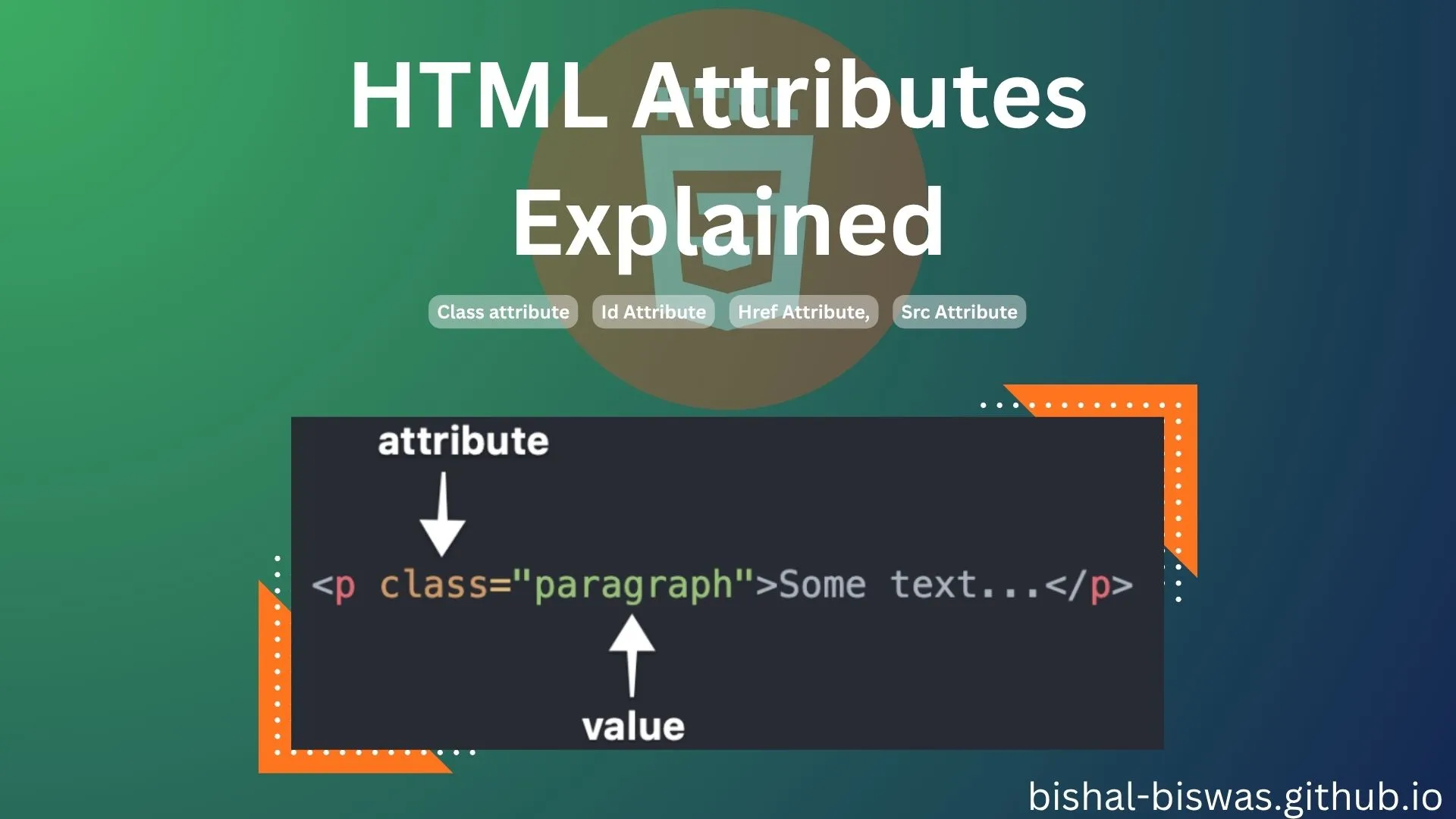
<meta name="description" content="A short summary of the page.">Most meta tags use a pair of attributes:
name(orpropertyfor Open Graph) says what kind of information it is.contentholds the value.
The Essential Meta Tags
These two belong on every single page.
1. Character Encoding
<meta charset="utf-8">This tells the browser how to read the characters in your file. UTF-8 handles all languages and symbols. Place it as the first element in the head.
2. Viewport
<meta name="viewport" content="width=device-width, initial-scale=1">This makes your page use the real width of mobile screens. Without it, phones show a zoomed-out desktop layout with tiny text, and your media queries will not work as expected.
Avoid adding maximum-scale=1 or user-scalable=no. These stop users from zooming, which is a real problem for people with low vision.
The title Element
title is not a meta tag, but it is the most important piece of page information for search engines, so I always mention it here:
<title>HTML Meta Tags Every Beginner Should Know | Bishal Biswas</title>Tips:
- Make each page’s title unique.
- Put the most important words first.
- Keep it reasonably short, around 50 to 60 characters, so it does not get cut off in search results.
The Meta Description
<meta name="description" content="Learn which HTML meta tags matter, what they do, and how to write them, with simple examples for beginners.">The meta description is a short summary of the page. Search engines often show it under the title in results, although they may rewrite it if they think another snippet fits the search better.
It does not directly improve rankings. But a clear, honest description can make more people click on your result.
My rules for writing one:
- About 140 to 160 characters.
- Describe what the reader will get from the page.
- Write a unique description for each page.
The Robots Meta Tag
The robots meta tag controls how search engines treat a page:
<meta name="robots" content="noindex, nofollow">noindexasks search engines not to show this page in results.nofollowasks them not to follow the links on it.
By default, pages are indexed and links are followed, so you only need this tag when you want to change that. I use noindex on things like thank-you pages, internal search results and staging sites.
Be careful: accidentally leaving noindex on a live site is a classic mistake that removes the whole site from search.
The Canonical Link
Strictly speaking this is a link element, not a meta tag, but it goes in the same place and is closely related to SEO:
<link rel="canonical" href="https://bishal-biswas.github.io/articles/html-meta-tags-seo-basics">Sometimes the same content is reachable through several URLs, for example with and without tracking parameters. The canonical link tells search engines which URL is the “main” one.
Open Graph Tags for Social Sharing
When you share a link on platforms like Facebook, LinkedIn, WhatsApp or Slack, they build a preview card. Open Graph tags control what that card shows:
<meta property="og:title" content="HTML Meta Tags Every Beginner Should Know">
<meta property="og:description" content="The meta tags that actually matter, explained simply.">
<meta property="og:image" content="https://bishal-biswas.github.io/images/meta-tags.png">
<meta property="og:url" content="https://bishal-biswas.github.io/articles/html-meta-tags-seo-basics">
<meta property="og:type" content="article">
Notice that Open Graph uses property instead of name.
A few practical points:
og:imageshould be an absolute URL, includinghttps://.- A size of 1200 by 630 pixels works well on most platforms.
- If an
og:imageis missing, many platforms show a plain text preview or pick a random image.
Twitter / X Cards
X reads Open Graph tags, but it also has its own card type tag:
<meta name="twitter:card" content="summary_large_image">This tells X to show a large image preview. For the title, description and image, it falls back to the Open Graph values, so you do not need to repeat them.
Theme Color
<meta name="theme-color" content="#00283a">Some mobile browsers use this color for the address bar or interface around your page. You can even set different colors for light and dark mode:
<meta name="theme-color" content="#ffffff" media="(prefers-color-scheme: light)">
<meta name="theme-color" content="#00283a" media="(prefers-color-scheme: dark)">
Color Scheme
<meta name="color-scheme" content="light dark">This tells the browser your page supports both light and dark modes, so built-in elements like form controls and scrollbars can match the user’s preference.
A Complete Example
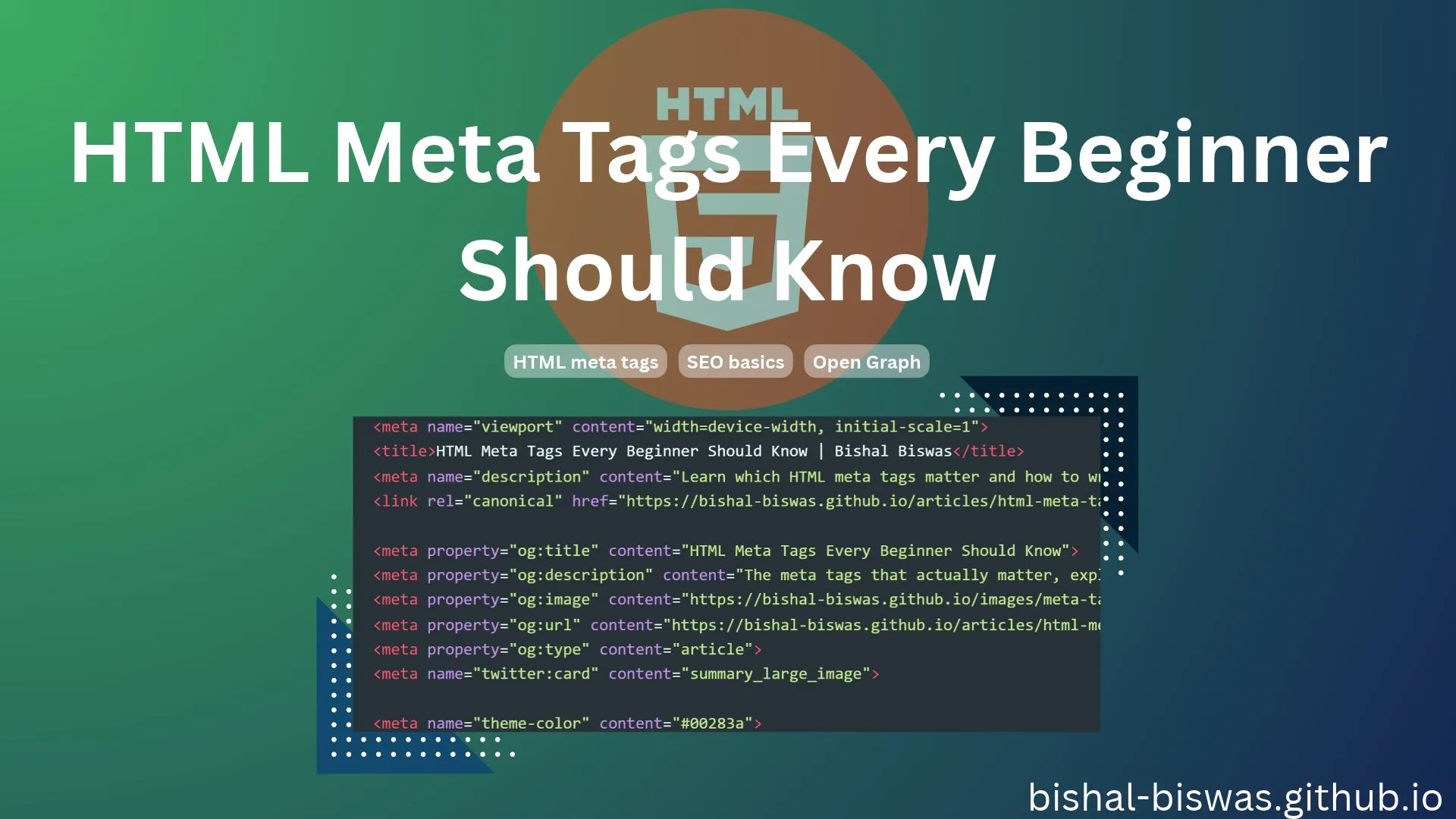
Here is a head with all the tags I usually include:
<head>
  <meta charset="utf-8">
  <meta name="viewport" content="width=device-width, initial-scale=1">
  <title>HTML Meta Tags Every Beginner Should Know | Bishal Biswas</title>
  <meta name="description" content="Learn which HTML meta tags matter and how to write them, with simple examples.">
  <link rel="canonical" href="https://bishal-biswas.github.io/articles/html-meta-tags-seo-basics">

  <meta property="og:title" content="HTML Meta Tags Every Beginner Should Know">
  <meta property="og:description" content="The meta tags that actually matter, explained simply.">
  <meta property="og:image" content="https://bishal-biswas.github.io/images/meta-tags.png">
  <meta property="og:url" content="https://bishal-biswas.github.io/articles/html-meta-tags-seo-basics">
  <meta property="og:type" content="article">
  <meta name="twitter:card" content="summary_large_image">

  <meta name="theme-color" content="#00283a">
  <link rel="icon" href="/favicon.svg" type="image/svg+xml">
</head>
Meta Tags You Can Skip
Some tags still appear in old tutorials, but they are not useful today:
meta name="keywords": Google has ignored it for many years. It does nothing for ranking.meta http-equiv="X-UA-Compatible": this was for old Internet Explorer, which is no longer supported.meta name="author": harmless, but it has no real SEO effect.
Leaving these out keeps your head clean.
Meta Tags Are Only Part of SEO
Meta tags help search engines and social platforms understand your page, but they are not magic. Good SEO also depends on useful content, a clear heading structure, descriptive link text and fast pages.
For example, a logical heading outline matters more than any meta tag. I cover that in HTML headings, paragraphs and text formatting. Using the right elements also helps, which I explain in HTML semantic elements explained.
Common Mistakes
1. Missing the Viewport Tag
This is the most common cause of a page that looks tiny on phones.
2. Copying the Same Description to Every Page
Each page should have its own description. Duplicates make results look repetitive and less clickable.
3. Relative og:image URLs
<meta property="og:image" content="/images/share.png">Many social platforms will not resolve this. Use the full absolute URL.
4. Leaving noindex On After Launch
If your site is missing from search results, check for a forgotten robots noindex tag.
5. Blocking Zoom
user-scalable=no hurts accessibility. Let users zoom.
Conclusion
You do not need dozens of meta tags. For most pages, I use charset, viewport, a unique title, a meta description, a canonical link and a few Open Graph tags for social sharing. Add robots only when you need to block indexing, and add theme-color if you want a nicer mobile look.
Keep your head focused, write honest descriptions, and spend the rest of your effort on great content.