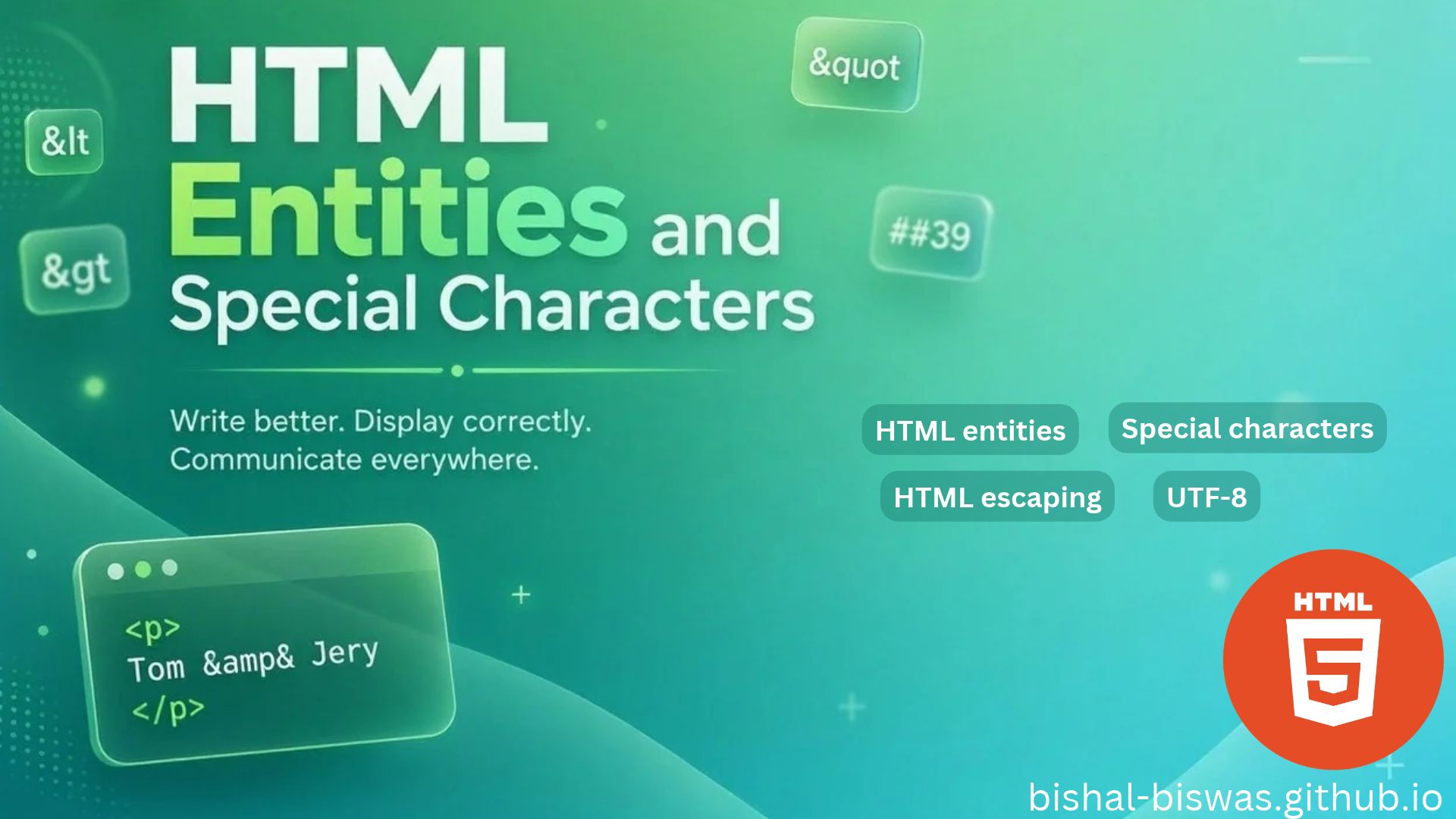
The first time I wrote a tutorial page, I wanted to show the code <p>Hello</p> as text. Instead, the browser just displayed the word “Hello.” My example code had vanished.
The browser saw <p> and treated it as a real paragraph tag. To show those characters as text, I needed HTML entities.
In this article, I will explain what HTML entities are, which ones you actually need, and how modern UTF-8 pages make most of them unnecessary.
What Is an HTML Entity?
An HTML entity is a piece of text that represents a character. It starts with an ampersand (&) and ends with a semicolon (;).
<p>5 < 10</p>The browser displays:
5 < 10Here, < means “less than.” The browser shows the < character instead of treating it as the start of a tag.
Why Do We Need Entities?
Some characters have special meaning in HTML:
<starts a tag.>ends a tag.&starts an entity."and'wrap attribute values.
If you want these characters to appear as plain text, you sometimes need to escape them so the browser does not get confused.
The Entities You Will Use Most
Here is the short list I keep in my head:
| Character | Entity name | Numeric | Description |
|---|---|---|---|
< |
< |
< |
Less than |
> |
> |
> |
Greater than |
& |
& |
& |
Ampersand |
" |
" |
" |
Double quote |
' |
' |
' |
Apostrophe |
| (space) | |
  |
Non-breaking space |
© |
© |
© |
Copyright |
— |
— |
— |
Em dash |
Showing Code on a Page
This is the most common reason I use entities. To display HTML code as text:
<pre><code><p class="intro">Hello</p></code></pre>The page now shows the actual code:
<p class="intro">Hello</p>Escaping the Ampersand
The & character is tricky because the browser may try to read what follows as an entity. Browsers are forgiving, but it is good practice to escape it in text, especially when the text after it could look like an entity name.
<p>Tom & Jerry</p>
<p>Research & Development</p>Named vs Numeric Entities
There are three ways to write the same character.
<p>© 2026</p> <!-- named entity -->
<p>© 2026</p> <!-- decimal numeric -->
<p>© 2026</p> <!-- hexadecimal numeric -->All three display © 2026.
Named entities are easier to read and remember. Numeric entities work for any Unicode character, even ones without a name. The hex form (&#x...;) matches the Unicode code points you see in character tables, like U+00A9.
The Non-Breaking Space:
Normally, if you type five spaces in HTML, the browser collapses them into one. Also, the browser can break a line at any normal space.
is a space that does not let the line break there. I use it to keep things together that should never be split across lines:
<p>The meeting is at 10 AM.</p>
<p>The file is 25 MB.</p>Now “10” and “AM” will always stay on the same line.
Don’t Use for Spacing
When I was a beginner, I did this a lot:
<p>Name: Bishal</p>This is fragile and hard to maintain. Spacing belongs in CSS:
.label {
  margin-right: 1rem;
}<p><span class="label">Name:</span>Bishal</p>Do You Still Need Entities in 2026?
For most characters, no.
Modern pages use UTF-8 encoding, which can represent virtually every character in every language, plus emoji. As long as your page declares UTF-8, you can type characters directly:
<!DOCTYPE html>
<html lang="en">
<head>
  <meta charset="UTF-8">
  <title>Special characters</title>
</head>
<body>
  <p>© 2026 — Café prices in ₹ and €</p>
</body>
</html>
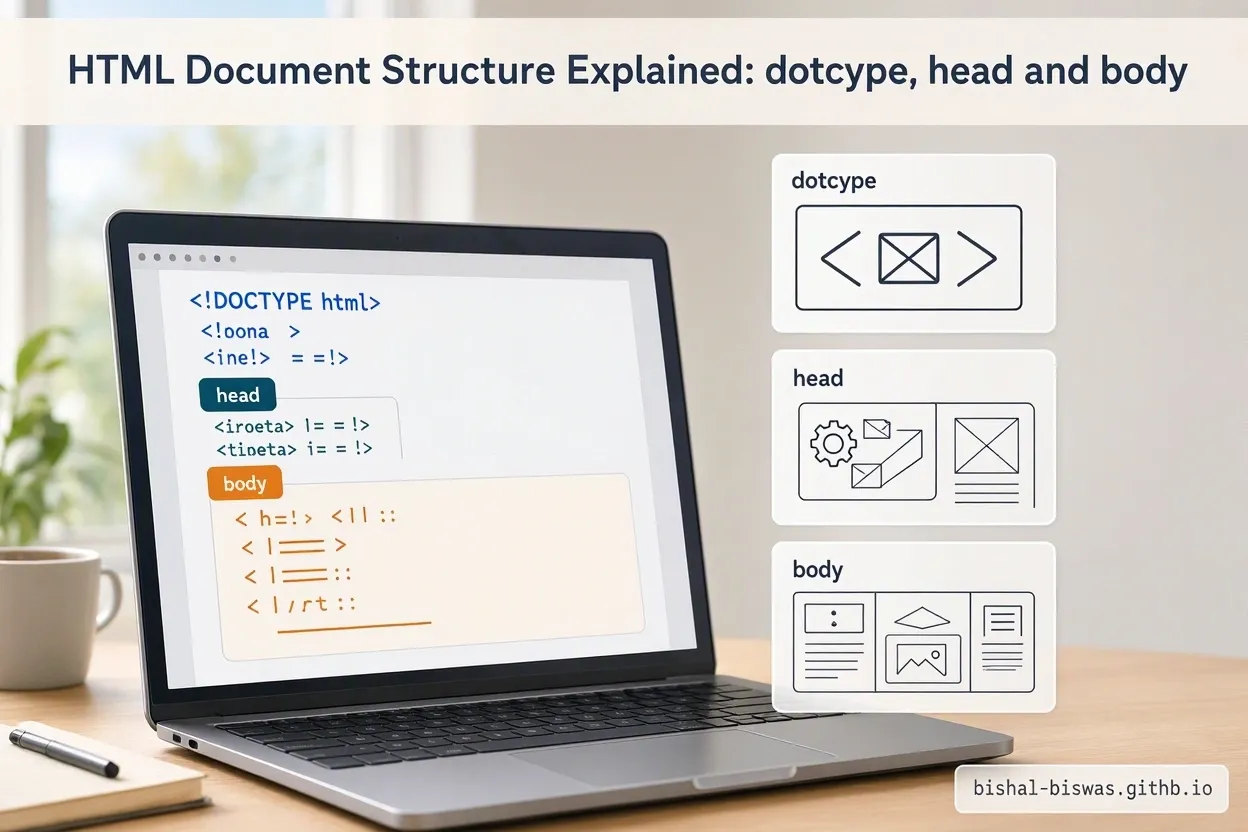
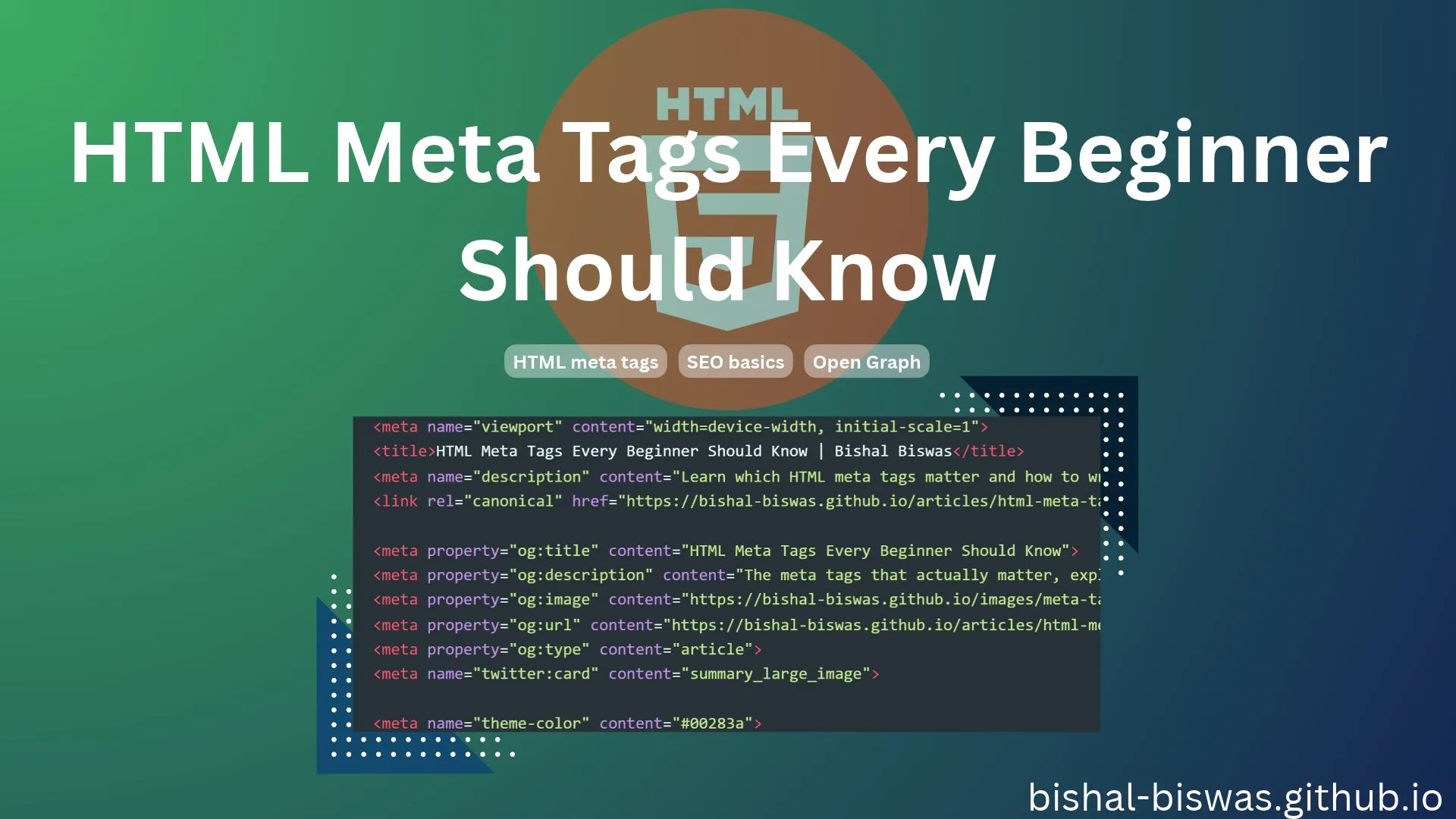
That <meta charset="UTF-8"> line should be near the top of the <head>. I explain where it goes in HTML document structure: doctype, head and body, and other important head tags in HTML meta tags every beginner should know.
So when do I still use entities?
<,>, and&when showing code or literal markup characters."inside a double-quoted attribute value. to prevent a line break.- When a character is invisible or easy to confuse, like
or a zero-width character, an entity makes the intent clear in the source.
Entities Inside Attributes
Attribute values follow the same idea. If your value contains a double quote and you wrapped it in double quotes, escape it:
<input value="She said "hello"">Or simply switch to single quotes around the value:
<input value='She said "hello"'>You can read more about how attributes are written in HTML elements and HTML attributes.
Entities and JavaScript
When you insert text with JavaScript, textContent handles escaping for you. The browser treats everything as plain text:
const output = document.querySelector("#output");
output.textContent = "<p>Hello</p>";
// Displays the literal text: <p>Hello</p>
With innerHTML, the string is parsed as HTML instead:
output.innerHTML = "<p>Hello</p>";
// Creates a real paragraph element
This difference matters for security. Never put user input into innerHTML without escaping it, because it can run unwanted code. When I only need text, I always use textContent.
A Practical Example
Here is a small footer and code snippet using what we covered:
<section>
<h2>How to write a paragraph</h2>
<pre><code><p>This is a paragraph.</p></code></pre>
<p>Price: 499 ₹ — includes tax & delivery.</p>
</section>
<footer>
<p>© 2026 Bishal Biswas</p>
</footer>Common Mistakes
1. Forgetting the Semicolon
<p>© 2026</p>Browsers often fix a few legacy entities without the semicolon, but not all of them. Always include ;.
2. Wrong Capitalization
Entity names are case-sensitive. &Copy; is not the same as ©. Stick to the exact name.
3. Using for Layout
Use CSS margin, padding, or gap for spacing.
4. Escaping Everything
You don’t need é for “é” on a UTF-8 page. Just type the character. Over-escaping makes your HTML harder to read.
5. Missing the Charset Declaration
Without <meta charset="UTF-8">, characters like ₹ or é can show up as strange symbols such as ₹.
Conclusion
HTML entities let you show characters that would otherwise be read as code. The ones you really need are <, >, &, ", and .
For everything else, a UTF-8 page lets you type characters directly. My simple rule is: declare UTF-8, type normal characters freely, and only escape the few characters that have special meaning in HTML.