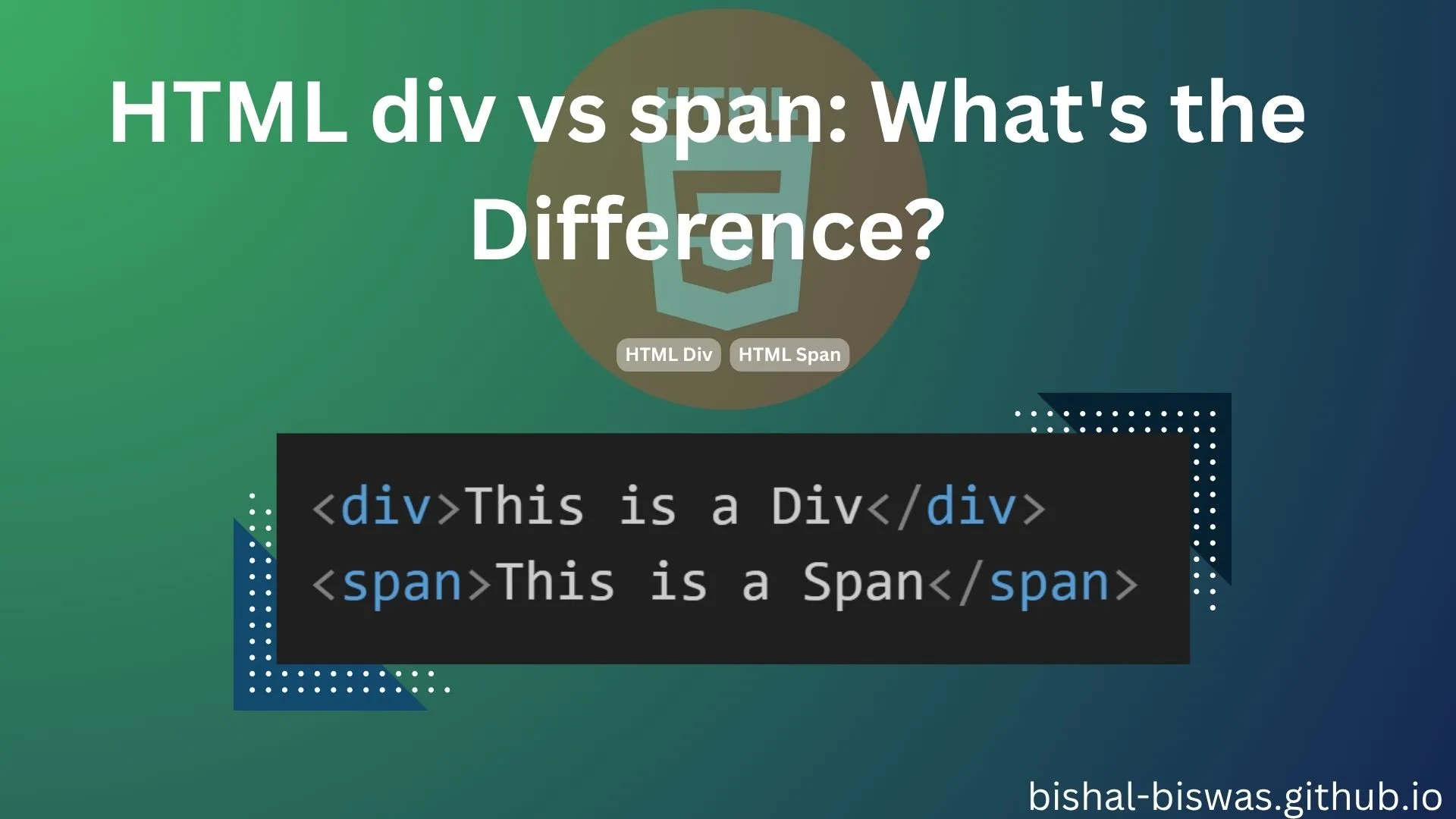
When learning HTML, div and span are two elements that appear almost everywhere. At first, they can seem interchangeable because both are commonly used to group or wrap other content.
They are not quite the same, though.
The main difference is how they behave by default. A div is a block-level container, while a span is an inline container. Understanding this difference makes it much easier to decide which element to use when building a webpage.
If you are new to HTML, it may also help to first understand what HTML is and how HTML elements work.
In this article, I will explain div and span, show how they behave, compare them, and go through some common mistakes beginners make.
What Is a div in HTML?
The <div> element is a generic container used to group other HTML content.
It does not have a specific semantic meaning by itself. Instead, it is useful when you need a container that can hold multiple elements or a section of content.
A simple example looks like this:
<div>
  <h2>My Profile</h2>
  <p>I am learning HTML.</p>
</div>
Here, the div groups the heading and paragraph together.
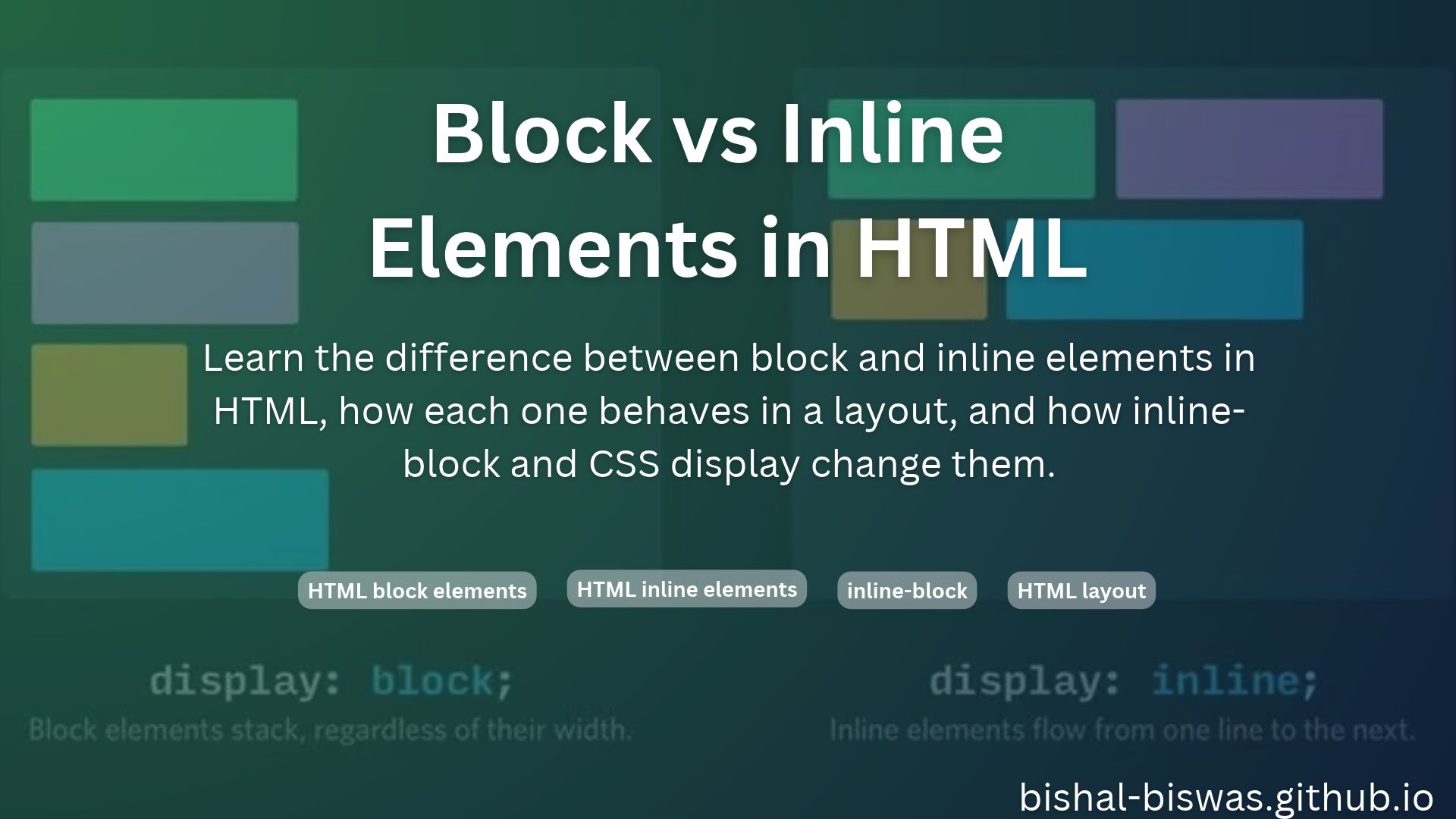
One important characteristic of a div is that it behaves as a block-level element by default.
What Does Block-Level Mean?
A block-level element normally starts on a new line and takes up the available horizontal space in its containing block.
For example:
<div>First section</div>
<div>Second section</div>
The two div elements will normally appear one above the other.
Conceptually, the browser treats them something like this:
First section
Second section
This makes div useful for creating larger page structures and grouping sections of content.
What Is a span in HTML?
The <span> element is also a generic container, but it is intended for smaller pieces of content inside a line of text.
Unlike div, span is an inline element by default.
For example:
<p>
  I am learning <span>HTML</span>.
</p>
The span does not normally force the text onto a new line.
This makes it useful when you want to target or style a particular part of existing content.
For example:
<p>
  This is a <span class="highlight">very important</span> concept.
</p>
The span allows CSS or JavaScript to target that particular piece of text without creating a separate block.
HTML div vs span
The easiest way to remember the difference is:
Use
divfor larger block-level groups andspanfor smaller inline pieces of content.
Here is a quick comparison:
| Feature | div |
span |
|---|---|---|
| Default display | Block | Inline |
| Starts on a new line | Yes, by default | No, by default |
| Main purpose | Group larger sections/content | Wrap a small inline part of content |
| Semantic meaning | Generic | Generic |
| Common use | Layout and grouping | Styling or targeting text |
| Can contain other HTML elements | Yes | Yes, subject to HTML content-model rules |
The important point is that neither element provides meaningful semantic information by itself.
A Simple Visual Example
Consider this HTML:
<div>
  <p>This is the first paragraph.</p>
  <p>This is the second paragraph.</p>
</div>
The div acts as a container around the paragraphs.
Now compare that with:
<p>
  I am learning
  <span>HTML</span>
  today.
</p>
The span is being used inside the paragraph to wrap only a small part of the sentence.
A useful mental model is:
div
└── larger group of content

span
└── smaller piece inside existing content
When Should You Use div?
A div is useful when you need a generic block container and there is no more meaningful HTML element for the job.
For example:
<div class="card">
  <h2>HTML Basics</h2>
  <p>Learn the fundamentals of HTML.</p>
  <a href="/articles/html-a-beginner-complete-guide">Read the guide</a>
</div>
Here, the div groups the contents of a card.
CSS can then target the container:
.card {
  padding: 20px;
  border: 1px solid #ccc;
}
You can also use div elements as generic layout containers when building a page.
However, that does not mean every section of a webpage should be a div.
If an element such as header, nav, main, section, article, or footer accurately describes the purpose of the content, a semantic element is often a better choice.
For example, instead of:
<div class="navigation">
  ...
</div>
you may be able to use:
<nav>
  ...
</nav>
This gives the markup more meaning.
If you want to learn more about this distinction, see HTML semantic elements and why they matter.
When Should You Use span?
A span is useful when you need to target a small part of inline content.
For example:
<p>
  Your account status is
  <span class="status">Active</span>.
</p>
You could then style the status separately:
.status {
  font-weight: bold;
}
Another example is highlighting a word:
<p>
  Remember to save your <span class="important">important</span> files.
</p>
The span does not create a new paragraph or section. It simply gives you a generic inline container around the selected content.
div and span With CSS
One of the reasons beginners sometimes think div and span are interchangeable is that CSS can change their default display behavior.
For example:
span {
  display: block;
}
This can make a span behave like a block-level box.
Similarly:
div {
  display: inline;
}
can make a div behave like an inline box.
So the difference is not that a div can never be inline or a span can never be block-level.
The important distinction is their default behavior and intended use.
HTML describes the structure and meaning of the document, while CSS controls presentation and layout.
Because of this, changing the CSS display property does not automatically make div and span semantically identical.
Can a div Be Used Inside a span?
This is an area where beginners should be careful.
You should not think of div and span simply as two interchangeable boxes that can be nested anywhere.
HTML elements have content-model rules that determine which types of elements can validly appear inside other elements.
For ordinary beginner-level code, a good rule is:
- Use
spanfor phrasing content inside a line of text. - Use
divfor generic block-level grouping. - Follow the HTML content model when nesting elements.
For example, this is a sensible pattern:
<p>
  This is <span class="highlight">important text</span>.
</p>
A span fits naturally inside the paragraph because it is an inline phrasing container.
Common Beginner Mistakes
1. Using div for Everything
A common beginner habit is to build an entire page using only div elements.
For example:
<div class="header">...</div>
<div class="navigation">...</div>
<div class="content">...</div>
<div class="footer">...</div>
This can work visually, but it may make the HTML less meaningful.
When a semantic element exists for the purpose, consider using it:
<header>...</header>
<nav>...</nav>
<main>...</main>
<footer>...</footer>
Generic containers still have their place. The goal is not to eliminate div, but to use it when a more appropriate element does not exist.
2. Using span to Create Sections
A span is not normally the right choice for creating major sections of a page.
For example:
<span class="product-card">
  <h2>Product</h2>
  <p>Description</p>
</span>
This is not a good replacement for a block-level container.
If you need a generic container for a larger group of content, a div may be more appropriate, or a semantic element may be even better.
3. Choosing Elements Only Because of Their CSS Behavior
It is tempting to think:
“I need an inline element, so I will use
span.”
or:
“I need a block element, so I will use
div.”
The default display behavior matters, but HTML structure and meaning matter too.
Choose the HTML element based on what the content represents first. Use CSS to control presentation where necessary.
4. Confusing span With a Text Styling Element
span does not automatically make text bold, colored, larger, or otherwise visually different.
For example:
<span>Important</span>does not inherently create a visual style.
You need CSS if you want to change its appearance:
.important {
  font-weight: bold;
}<span class="important">Important</span>div vs span: A Practical Example
Imagine you are creating a profile card.
You could structure it like this:
<div class="profile-card">
  <h2>Bishal Biswas</h2>

  <p>
    Role:
    <span class="role">Developer</span>
  </p>

  <p>
    Status:
    <span class="status">Learning</span>
  </p>
</div>
Here, the div represents the larger container for the profile card.
The span elements wrap smaller pieces of information inside the paragraphs.
This is a good example of how the two elements can work together rather than being alternatives that you must choose between.
Do div and `span Have Semantic Meaning?
No.
Both are generic elements.
This is an important distinction from elements such as:
<header>
<nav>
<main>
<article>
<section>
<footer>
Those elements communicate something about the structure or purpose of the content.
A div essentially says:
This is a generic block container.
A span essentially says:
This is a generic inline container.
If a more descriptive semantic element fits your content, it is usually worth considering that element instead.
You can also review HTML elements and HTML attributes if you are still getting comfortable with how HTML elements are written and configured.
Can You Use Classes and IDs With Both?
Yes.
Both div and span can have attributes such as class and id.
For example:
<div id="profile" class="card">
  ...
</div>
and:
<span id="username" class="highlight">
  Bishal
</span>
This makes them useful hooks for CSS and JavaScript.
For example:
.card {
  padding: 20px;
}

.highlight {
  font-weight: bold;
}
The important thing is that the class or id provides the selector, while the HTML element provides the structural context.
When Should You Use div vs span?
A simple decision process can help.
Ask yourself:
Am I grouping a larger section or multiple elements?
Consider a div, unless a semantic element is more appropriate.
<div class="card">
  <h2>Title</h2>
  <p>Description</p>
</div>
Am I targeting a small part of existing inline content?
Consider a span.
<p>
  This is <span class="highlight">important</span>.
</p>
Is there a semantic HTML element that describes the content?
Use that semantic element when appropriate.
For example:
<nav>...</nav>is generally more descriptive than:
<div class="nav">...</div>Quick Rule to Remember
If you are just starting with HTML, remember this:
div= generic block container
span= generic inline container
Then remember the second rule:
If a semantic HTML element better describes the content, consider using it instead of a generic container.
These two rules will cover most beginner situations.
Conclusion
The difference between div and span is simple once you see how they are intended to be used.
A div is a generic block-level container, commonly used to group larger sections or multiple elements. A span is a generic inline container, commonly used to target a smaller part of existing content.
They can both be styled with CSS and targeted with JavaScript, but they are not automatically interchangeable. Their default behavior and intended use are different.
As you continue learning HTML, try to think about the structure of the content before reaching for a div. If a semantic element describes the content more accurately, use that element. When you simply need a generic container, div and span are useful tools to have.
The key takeaway is simple: use div for generic block-level grouping and span for generic inline grouping.
Internal Links Used
| Anchor Text | Article | URL | Reason |
|---|---|---|---|
| what HTML is and how HTML elements work | What Is HTML? A Beginner’s Complete Guide in 2026 | https://bishal-biswas.github.io/articles/html-a-beginner-complete-guide | Provides useful background for readers who are new to HTML |
| HTML semantic elements and why they matter | HTML Semantic Elements Explained: A Beginner’s Guide | https://bishal-biswas.github.io/articles/html-semantic-elements | Helps explain when semantic elements are preferable to generic containers |
| HTML elements and HTML attributes | HTML Elements vs HTML Attributes | https://bishal-biswas.github.io/articles/html-elements-html-attributes | Provides additional background on HTML elements and attributes |