
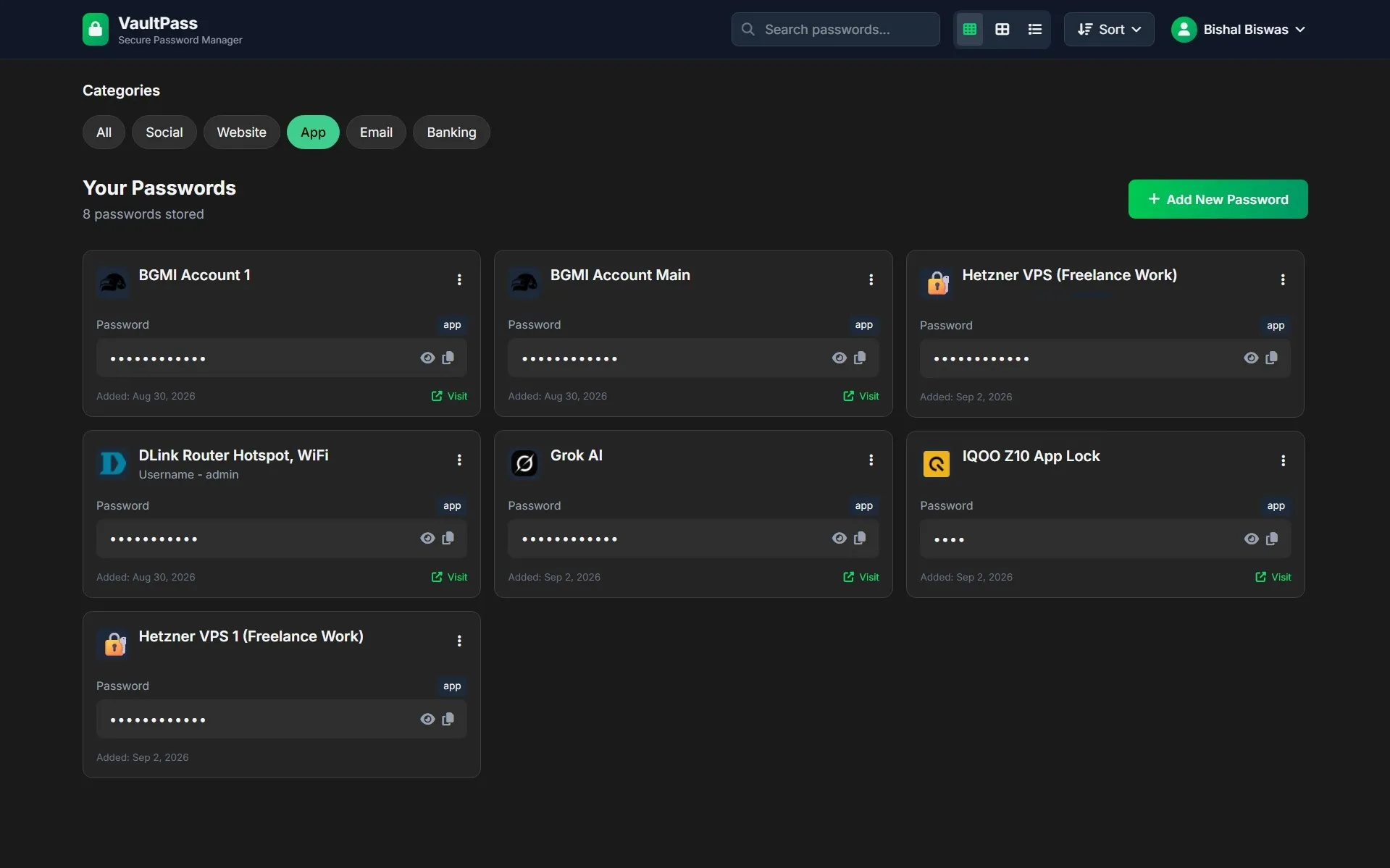

VaultPass is a personal project I built to answer an uncomfortable question: if I store my passwords in someone else’s database, what exactly can they read? For most hobby password managers the honest answer is “everything” - the app encrypts nothing, and whoever holds the database console holds the passwords.
So I built one where the answer is “nothing”. VaultPass encrypts every secret in the browser, using a master password that never leaves the device. Firestore stores ciphertext and nothing else. I have full admin access to the Firebase project behind the live demo, and I still cannot read a single password saved in it.
How It’s Made
The app is a React 19 single-page application bundled with Vite, styled with Tailwind CSS 4, backed by Firebase for identity and storage, and deployed as a static build to GitHub Pages. There is no server of my own anywhere in the stack.
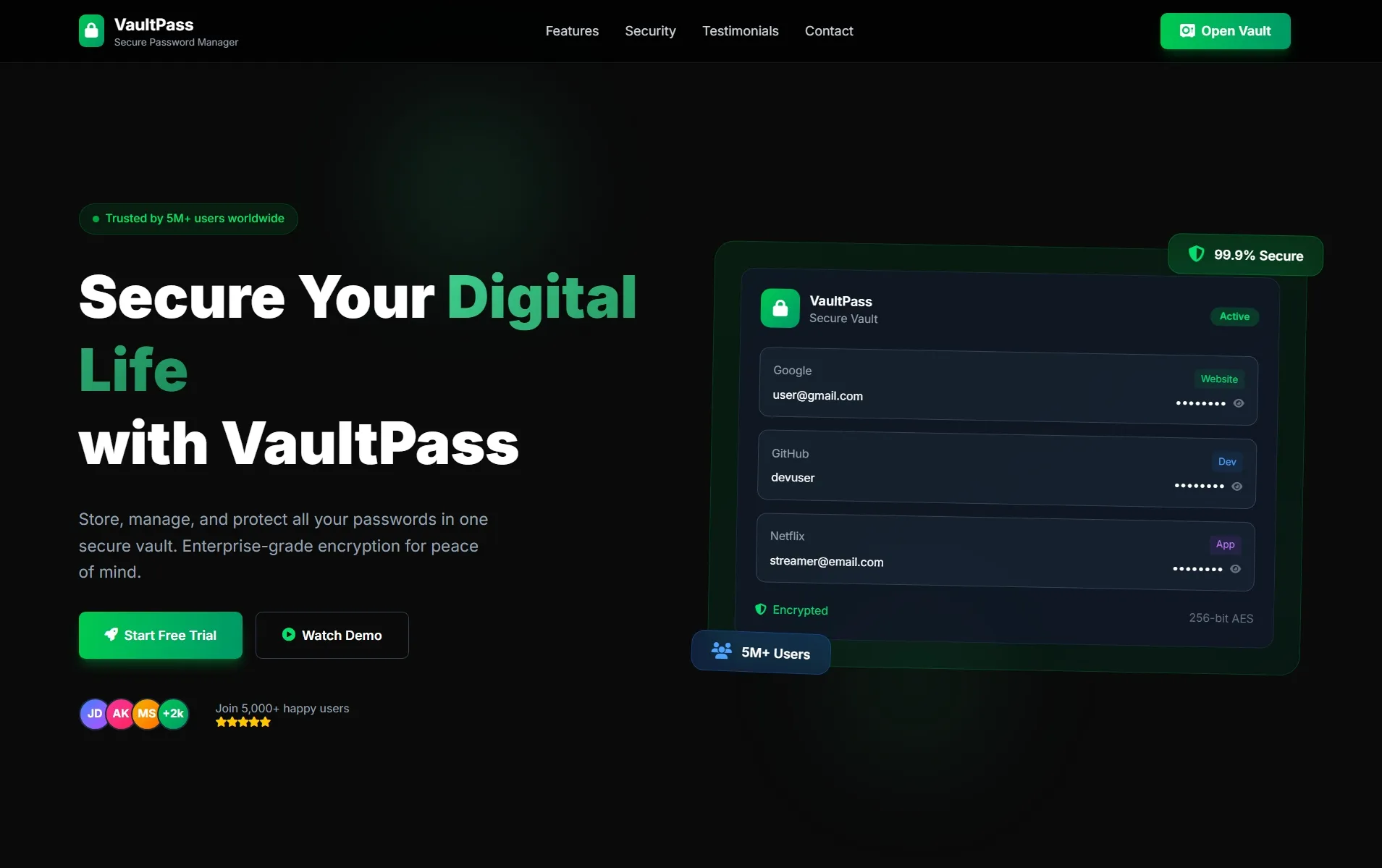
It started life as three hand-written HTML mockups - a landing page, an auth page and a dashboard - which I used to settle the visual language before writing any React. Those static files became the design reference, and the shared theme in index.css is a direct port of them. Building the design first and the state second meant the React work was almost entirely about behaviour rather than layout.
The architecture is deliberately small - three React contexts, each owning exactly one concern:
AuthContext- who you are. Wraps Firebase Auth, exposes register / login / Google sign-in / password reset / profile updates.VaultContext- whether the vault is open. Owns the in-memory encryption key and a five-state machine (loading → setup / locked → unlocked / error), plus the encrypt and decrypt helpers.ToastContext- feedback. A single toast slot with its own timers.
VaultProvider deliberately sits inside AuthProvider, because the vault key is derived per signed-in user, and above the router, so navigating between pages never drops the key.
The Encryption Model
This is the part the whole project exists for. VaultPass uses envelope encryption, implemented directly against the browser’s native crypto.subtle - no crypto libraries, no dependencies:
master password ──PBKDF2-SHA256, 310k iterations, 16-byte salt──► KEK  (memory only)
data key (DEK)  ──AES-GCM wrapped with the KEK──────────────────► wrappedKey  (stored)
each secret     ──AES-256-GCM with a fresh 96-bit IV────────────► { ct, iv }   (stored)
A few decisions in there are worth explaining:
- The master password is never stored or transmitted. Not to Firestore, not to
localStorage. It exists only as a variable in memory, which means it genuinely cannot be reset - and the setup screen says so, in a warning box, before you commit to one. - Wrapping a data key instead of encrypting with the derived key directly. Changing your master password then re-wraps a single 32-byte key rather than decrypting and re-encrypting every entry in the vault. One write instead of N.
- The wrong password fails loudly, and nothing else does. AES-GCM is authenticated, so an incorrect master password fails the tag check when unwrapping the data key. That failure is the password check - there is deliberately no stored hash or verifier that would let an attacker test guesses more cheaply than doing the full PBKDF2 derivation.
- The vault re-locks on reload, because the key lives only in memory. There is also a Lock Vault action in the dashboard menu that wipes it on demand.
- Legacy entries migrate themselves. Encryption was added after the first working version, so entries saved as plaintext are detected on first unlock and silently re-written as ciphertext in place.
The rule I liked writing most is in firestore.rules, which enforces encryption at the database layer rather than trusting the client:
allow create, update: if request.auth != null
  && request.auth.uid == uid
  && isCiphertext(request.resource.data.password)
  && isCiphertext(request.resource.data.notes);
An encrypted field is a map of { ct, iv }. A plain string is rejected by Firestore itself. So even if I shipped a bug that bypassed the encryption path, the database would refuse the write instead of quietly storing readable passwords. Defence in depth, and a nice safety net for a codebase with exactly one developer.
What Each Part of the Stack Actually Does
- React 19 + Vite - Context API for all shared state (no Redux; the app simply isn’t big enough to earn it),
useMemofor the search / filter / sort pipeline so it doesn’t re-run on every keystroke, anduseReffor the encryption key specifically because a ref does not trigger re-renders and never ends up serialised into React state. - React Router 7 - clean URLs (
/login,/dashboard,/profile) with aProtectedRoutewrapper, andbasenamewired to Vite’sBASE_URLso the identical build works at the dev root and under the/PasswordManager/sub-path on Pages. - Tailwind CSS 4 - via the first-party Vite plugin, so there’s no PostCSS config at all. Utilities carry the layout; a hand-written layer holds the theme tokens, gradients, the sliding form panel and the scroll-reveal animations.
- Firebase Auth - email/password plus Google sign-in, password reset, and re-authentication before a password change. Every Firebase error code is mapped to a human sentence rather than shown raw.
- Cloud Firestore -
onSnapshotgives live sync for free: add a password on your phone and it appears on your laptop without a refresh. Security rules scope every document torequest.auth.uid. - Web Crypto API - PBKDF2 derivation, AES-GCM encryption, key wrapping, and
crypto.getRandomValuesfor the password generator, which uses a CSPRNG rather thanMath.random(). - Swiper - the testimonial carousel on the landing page.
- GitHub Pages - static hosting over HTTPS, which the Web Crypto API requires anyway since
crypto.subtleonly exists in a secure context.
One deployment detail I enjoyed solving: GitHub Pages has no SPA fallback, so a direct visit to /PasswordManager/dashboard is a real 404. A 404.html catches it, encodes the requested path into a query string and bounces to the app root, where a snippet in index.html restores the true URL via history.replaceState() before React mounts. Deep links and refreshes work exactly as they should.
What It Contains
- 🏠 Landing page - hero with an animated vault preview, feature grid, security explainer, testimonial carousel and scroll-reveal animations driven by
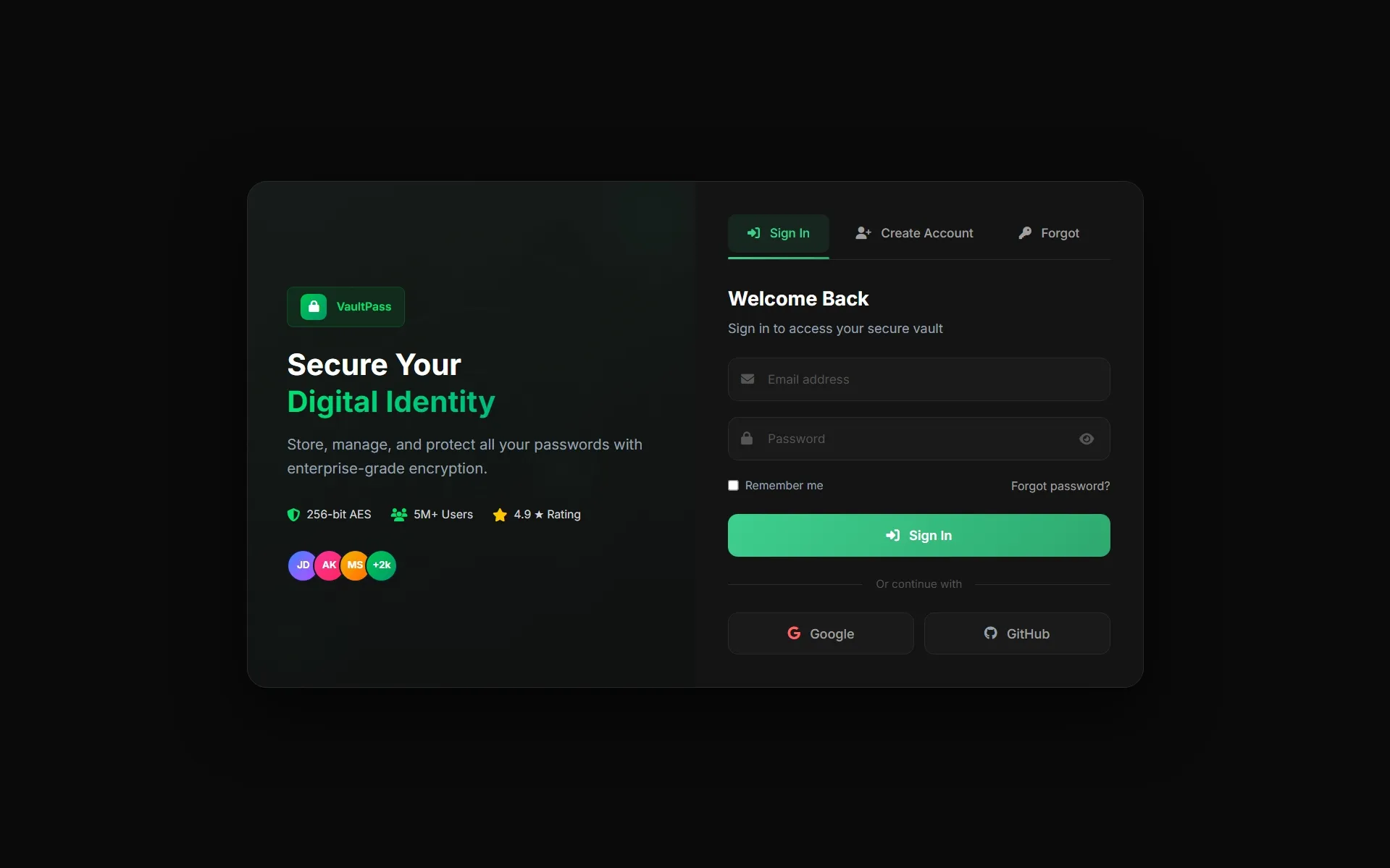
IntersectionObserver. - 🔑 Authentication - a split-screen auth page with tabbed login / register / password-reset panels, live password-strength feedback and Google sign-in.
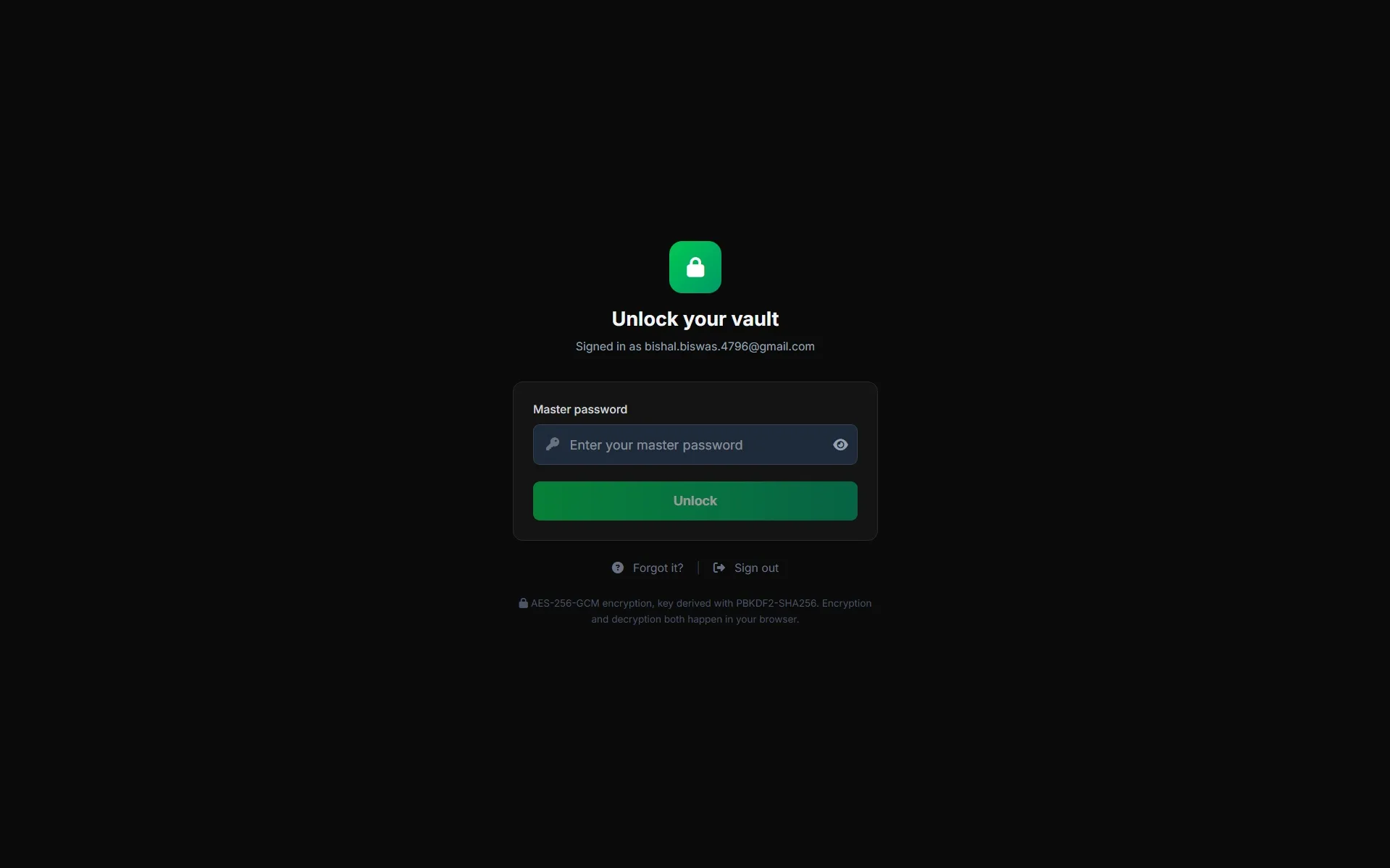
- 🛡️ Master password gate - first-run vault setup with a strength meter and an explicit “this cannot be recovered” warning, plus an unlock screen on every return visit.
- 🗄️ The vault - create, edit and delete entries across five categories, synced live with Firestore and encrypted on the way out.
- 🔎 Finding things - full-text search across name, username, category and notes; category chips; five sort orders; and three view densities (3-column, 2-column, list).
- ⚡ Password generator - adjustable length and character sets, guarantees at least one character from each selected class, then shuffles so the guaranteed characters aren’t always at the front.
- 📋 One-click copy with a
document.execCommandfallback for browsers that block the async clipboard API. - 👤 Profile and settings - change your display name, change your login password (with re-authentication), change your master password (which re-wraps the key), and a “forgot your master password?” modal that explains, honestly, that there is no way back.
What Can Be Improved
Writing this up honestly matters more to me than the feature list. In rough order of how much they bother me:
- The landing page markets a product that doesn’t exist. “5M+ Active Users”, “99.9% Uptime”, invented testimonials, and a feature card for biometric authentication that isn’t implemented. It made sense as a design exercise, but shipping fake social proof on a security tool is the wrong instinct. This should be rewritten as an honest demo page - or the numbers replaced with real ones.
- PBKDF2 should be Argon2id. 310,000 iterations of PBKDF2-SHA256 meets current OWASP guidance, but PBKDF2 is cheap to accelerate on a GPU. Argon2id is memory-hard and far more expensive to attack in parallel; it means adding a WASM dependency, which is exactly the kind of tradeoff worth making here.
- Entry metadata is stored in plaintext.
name,url,usernameandcategoryare unencrypted so that search, filtering and sorting can run without decrypting the whole vault first. That’s a real, deliberate tradeoff - but it means the database still reveals which services you use and under what usernames. The fix is a client-side search index built after unlock, or blind indexing. - There is no auto-lock. The vault locks on reload or manual action, but an unlocked tab left open on a shared machine stays unlocked indefinitely. It needs an idle timer, a lock on
visibilitychange, and a clipboard that clears itself ~30 seconds after a copy. - There is no recovery path at all. “Unrecoverable” is the correct security property, but real password managers soften it with a printable emergency kit or a recovery key sealed under a second secret. Right now a forgotten master password is a total, silent data loss event.
- No import or export. A password manager you can’t get your data out of is a trap. Encrypted JSON export and CSV import from other managers are table stakes, and I’d want them before suggesting anyone actually use this.
- No tests. The crypto module in particular deserves proper unit tests - encrypt/decrypt round-trips, rejection of a wrong master password, key re-wrapping preserving decryptability, and the plaintext-migration path. Right now every one of those is verified by hand.
- The whole vault re-decrypts on every Firestore snapshot. Editing one entry triggers an AES-GCM decrypt of all of them. Invisible at ten entries, noticeably wasteful at a thousand. Memoising per document ID and
updatedAtwould fix it. - The strength meter is naive. It counts character classes, so
Password1!scores “Strong”. Swapping inzxcvbnwould give real entropy estimates and catch common patterns, and integrating the Have I Been Pwned range API - which uses k-anonymity, so no password ever leaves the device - would flag breached and reused entries. - Accessibility needs a proper pass. The dropdown menus close on outside click but ignore Escape and arrow keys,
aria-expandedis missing throughout, the toast isn’t an ARIA live region, and deletion uses a rawwindow.confirm()that breaks the visual language of everything around it. - Infrastructure gaps. No ESLint or Prettier config, no CI, no
.envfor the Firebase config (the keys are public by design, but environment variables would let dev and production point at different projects), and no Firebase App Check to stop the API being driven by anything other than the real app. - The landing page is client-rendered. A marketing page delivered as an empty
<div>plus a JavaScript bundle is the wrong shape for SEO. Pre-rendering it - or, fittingly, rebuilding it in Astro and mounting only the app as an island - would fix both the crawlability and the first-paint time.
Building this taught me more about applied cryptography than any amount of reading did - particularly that the interesting decisions aren’t which cipher to use, but where the key lives, what happens when someone forgets it, and how much you’re willing to leak in exchange for a working search box.